
CAPMONEY / GUIDE
How to track expenses with photos and stickers
CapMoney team · Updated October 2, 2026
Photograph a purchase in CapMoney, check its amount and category, and save it as an expense sticker. Then use your monthly budget and report to review your spending. Here is the complete workflow.
For iPhone running iOS 18 or later. These are real CapMoney 1.10.2 interface screenshots from a separate demonstration ledger. The amounts are sample data, not personal spending. Interface details may vary by version.
1. Start with a small purchase
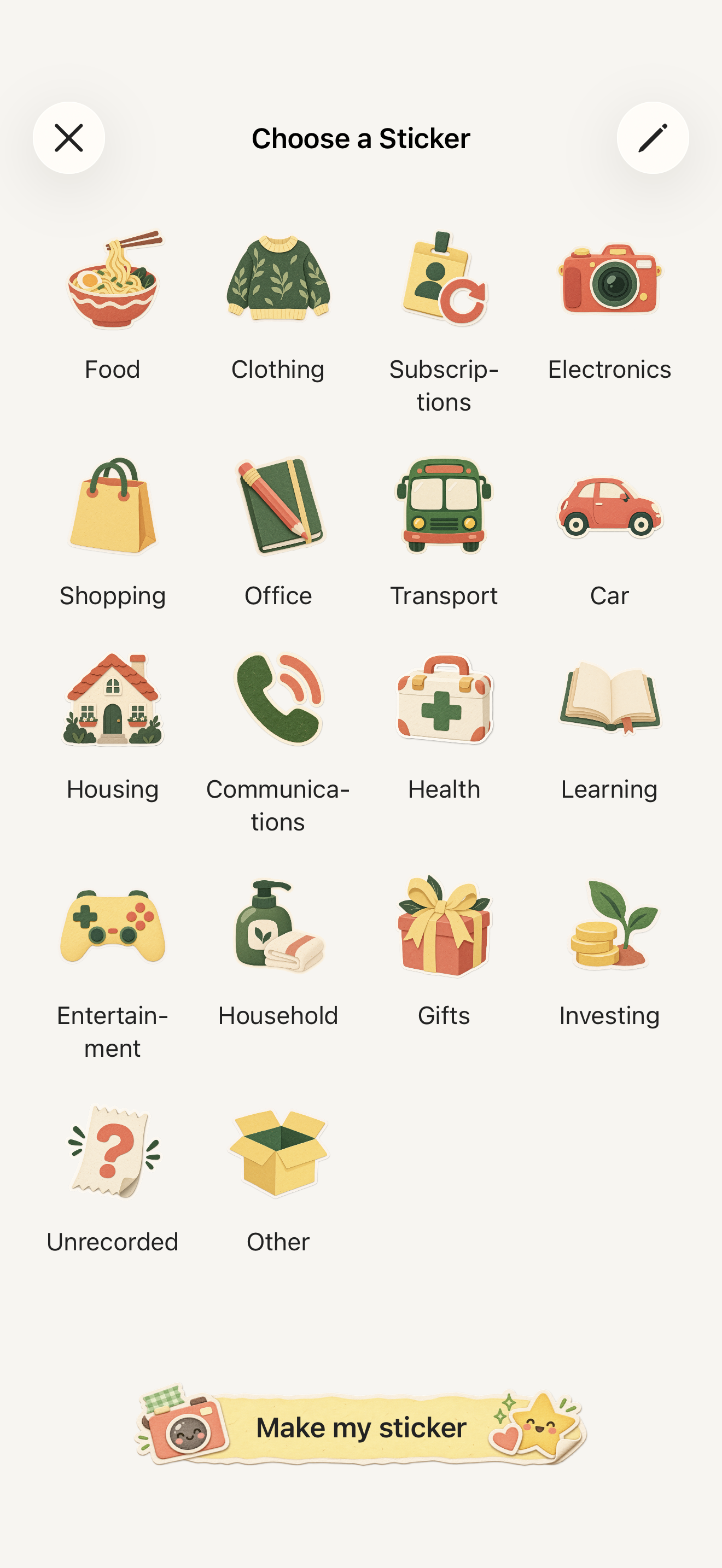
Open CapMoney and tap the Record (+) button at the bottom to open the sticker picker. To take a photo, tap the camera button at the bottom. Allow camera access when prompted and photograph your purchase, such as a cup of coffee. When taking a photo is inconvenient, choose a built-in sticker instead. Both routes let you record an expense.
2. Check the photo and suggestions
Use good lighting and a simple background, keeping the whole item in the frame. After taking the photo, check the sticker preview. You can use the original photo if the cutout is unsuitable. Photo processing and online recognition are separate: online recognition uploads a compressed photo and your category list only after you explicitly agree. It can suggest a name, category and receipt amount. You can still enter the details manually if you decline or have no network connection: everyday recording works offline.
3. Confirm the amount, currency and category
Check the name and category, then enter what you actually paid. For a coffee that cost 12.25, enter 12.25 and check the selected currency. Treat recognition results as suggestions and review them before saving. If the purchase uses a different currency from your ledger, also enter and confirm its value in your ledger currency. CapMoney does not fetch a live exchange rate. Tap the checkmark at the top right to save. Back in your sticker book, open the saved expense to check it; use the edit button if anything needs correcting.
4. Set a monthly budget
Open the Settings tab, choose Monthly Budget, and enter what you plan to spend that month. This is a target you set yourself. Spending totals come from saved entries, so purchases you have not recorded will not appear automatically. For expenses in different currencies, the budget and report use the ledger-currency values you confirmed.
5. Review where your money went
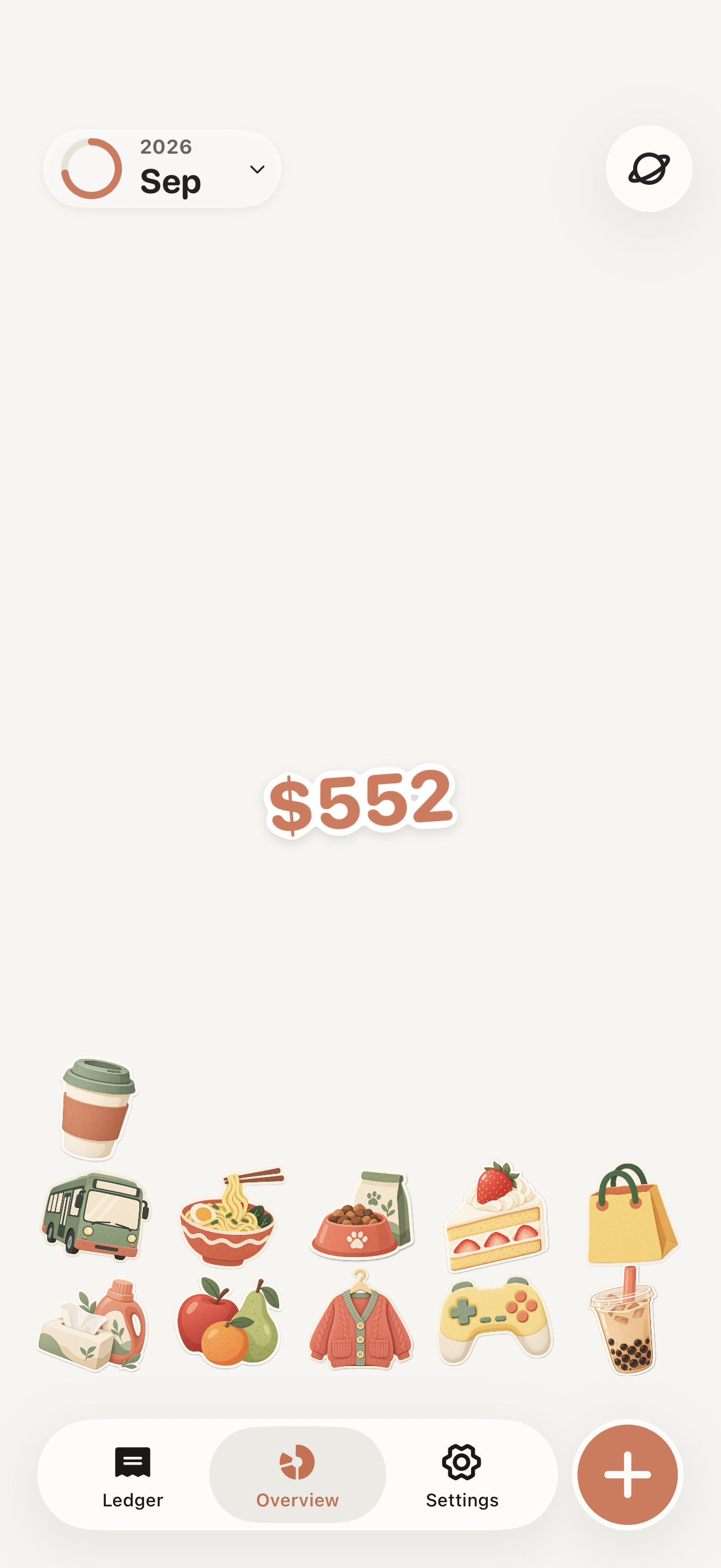
Open the Overview tab. This month's stickers drop onto the screen around your spending total. The $552 shown in this example is total spending in the demonstration ledger, not a budget or remaining balance. Tap the month at the top left to switch months or adjust your budget. Tap the button at the top right for the chart view, which breaks spending down by category; tap a category to inspect its entries. Correct a category or add a missing purchase when needed.
Before you start
You can save three entries for free in total. Deleting entries does not restore this allowance. A CapMoney Pro monthly or annual subscription unlocks continued recording; prices are shown in the app. You can turn off online recognition in Settings and keep entering expenses manually. Records are stored on your device. CapMoney does not automatically connect to bank accounts or import all your purchases. See Support, Privacy Policy and Terms below for photo processing, subscriptions and data details.
More ways to use CapMoneyCute expense trackerPhoto spending journalOffline expense tracker