
CAPMONEY / WHO IT'S FOR
A cute expense tracker that turns spending into stickers
CapMoney team · Updated October 2, 2026
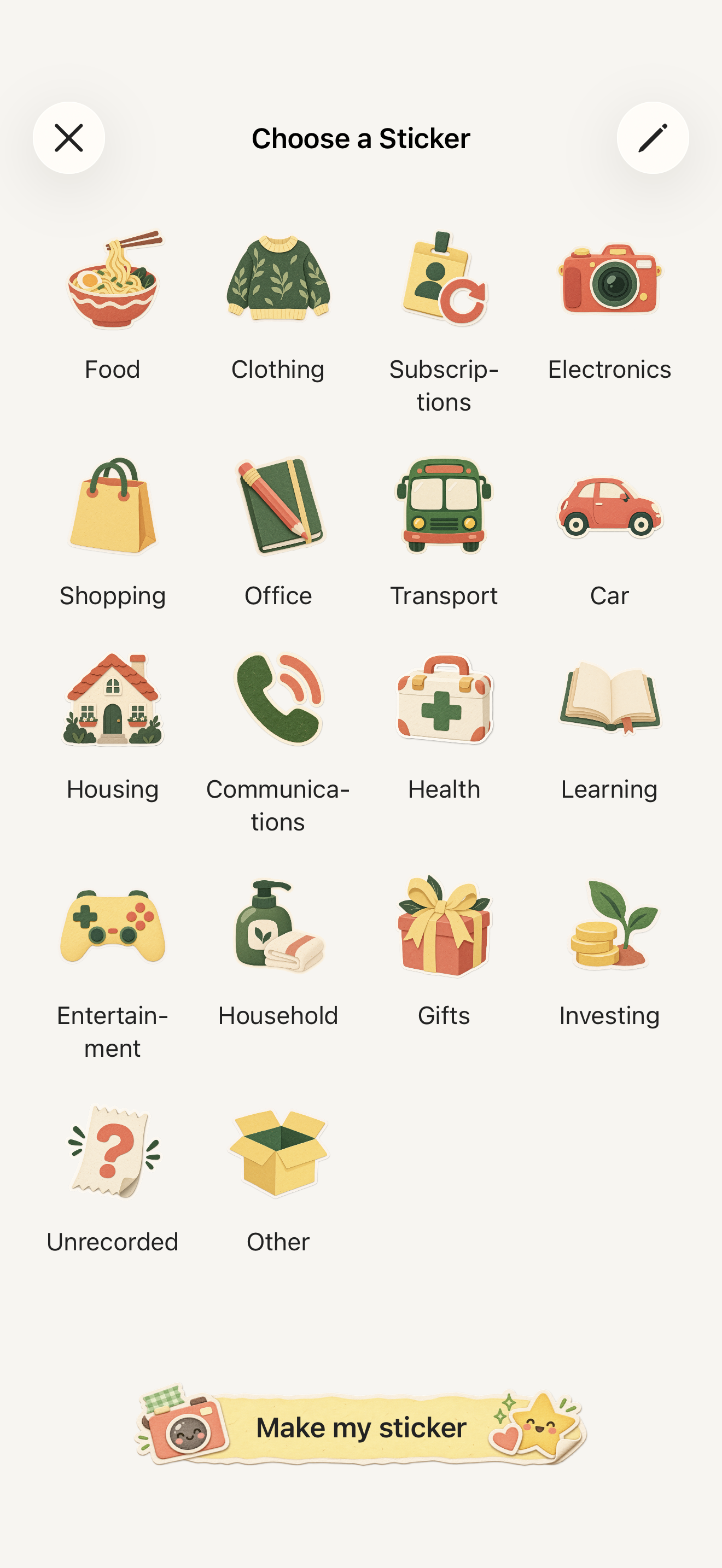
CapMoney is a cute expense tracker for iPhone. Snap a purchase to make a sticker, or pick built-in artwork from 48 categories, add the amount, and it's recorded. A budget ring and monthly report show where your money goes.
What makes it cute
In many budget apps, “cute” means a pastel theme. In CapMoney, every entry is a sticker: your coffee, last night's dinner, the jacket you saved up for. Each one lands in that day's sticker book, so looking back feels like flipping through a journal rather than reading a spreadsheet.
How recording works
Tap Record, then take a photo, choose one from your library, or pick a built-in sticker. Check the name, amount and category, and save. A short reveal plays before your sticker goes into the book. See the photo and sticker expense guide for every step.
Pretty, and still useful
Set a monthly budget and follow the ring on the home screen; overspending shows in red. The monthly report breaks spending down by category. You can also switch to a calendar view, search past entries, and record income. For foreign-currency purchases, choose the original currency and confirm the amount in your ledger currency yourself.
Where your data lives
Entries are saved on your iPhone first. No account or bank connection is needed. Turn on iCloud sync and your journal syncs through your own iCloud account. Online photo recognition is optional and only uploads photos after you agree; you can always enter expenses manually. See the privacy policy.
Is it free?
You can save 3 entries for free in total; deleting an entry does not restore the allowance. After that, CapMoney Pro (monthly or annual auto-renewing subscription) lets you keep recording. Prices are shown in the app.
Three questions to see if CapMoney fits you
- Would a good-looking app make you open it more often? Then the sticker book and artwork are made for you.
- Do you want to remember your days more than build detailed financial reports? CapMoney has budgets and category reports, but no investments, net worth or bank feeds.
- Are you happy to record each purchase yourself? CapMoney does not import bank or card transactions. If you want fully automatic tracking, it may not be the right fit.
Questions
Is CapMoney on Android?
Not at the moment. CapMoney is for iPhone and requires iOS 18 or later.
Does it work offline?
Yes. Entering amounts, choosing built-in stickers and saving all work without a connection. Online photo recognition, purchases and restoring purchases need a network.
Can I track expenses with my partner?
Yes. Create a shared book and invite family or a partner with a link. When the owner subscribes to Pro, every member can record in that book. Your other private books stay private.
CapMoneyHow to track expenses with photos and stickersPhoto spending journalOffline expense trackerSupport