
CAPMONEY / WHO IT'S FOR
A spending journal you fill with photos
CapMoney team · Updated October 2, 2026
Snap your coffee, dinner or new shoes in CapMoney. The app cuts the item into a sticker on your iPhone; confirm the amount and category, and the expense is saved. Optional online recognition can suggest a name, category and receipt total.
Photograph the thing, not just the receipt
Most photo expense apps only read receipts. CapMoney cares about what you bought. Photograph the item itself and the app cuts it out on your device as a sticker, so each expense has a face. You can photograph a receipt too, and online recognition will try to read the total and currency.
You confirm every suggestion
With online photo recognition on, the app suggests a name and category and tries to read receipt amounts. Every suggestion can be edited before you save. If recognition fails or you're offline, just type it in.
When you'd rather not take a photo
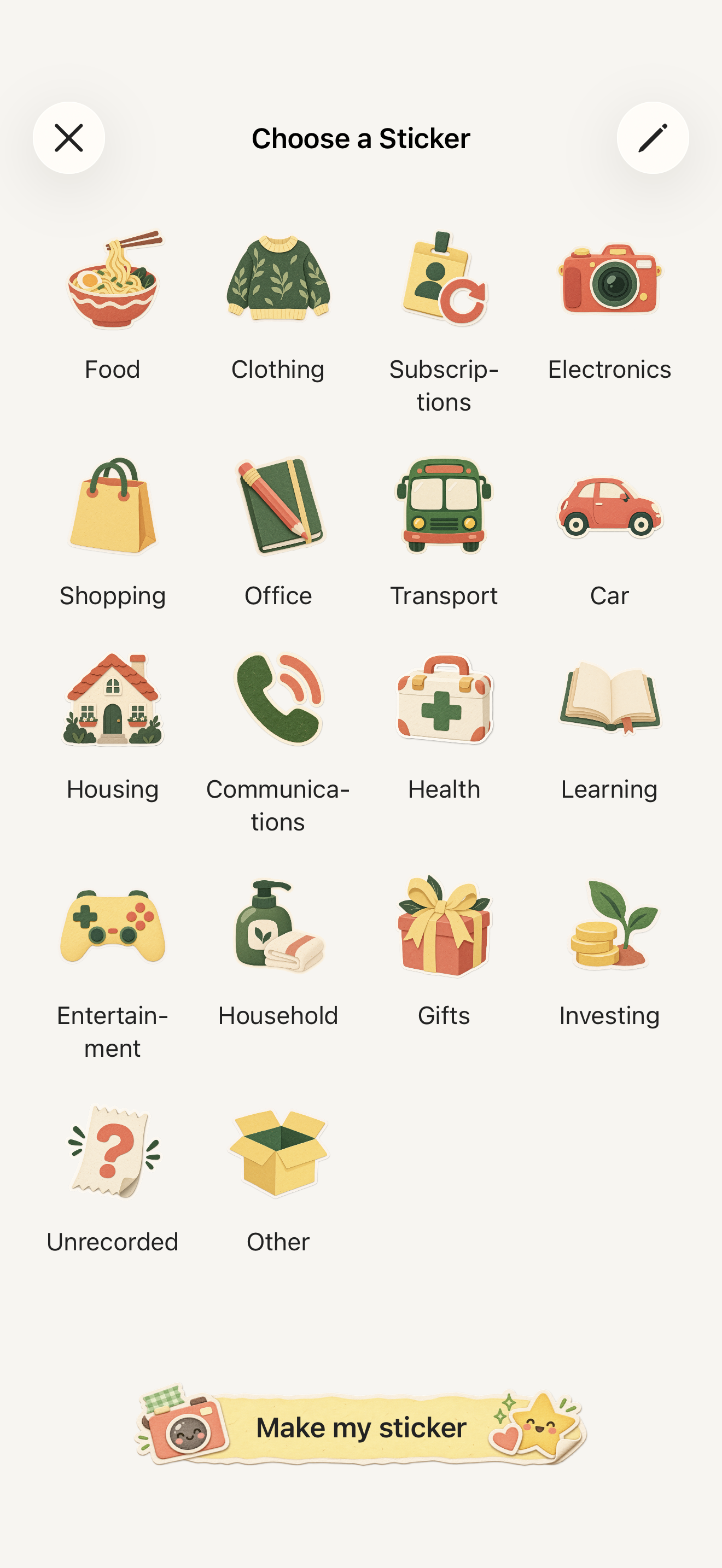
Pick from built-in stickers across 48 categories and enter the amount. Photo stickers and built-in stickers sit side by side in your sticker book and monthly report.
Photos and privacy
Cutouts are made on your iPhone, so recording works offline. Compressed photos are uploaded for recognition only after you agree, and you can turn it off in Settings. See the privacy policy.
Cost
Save 3 entries for free in total, then subscribe to CapMoney Pro (monthly or annual) to keep recording. Prices are shown in the app.
Three questions to see if CapMoney fits you
- Do you want to remember what you bought, not just how much? Photo stickers are the heart of CapMoney.
- Do you need expense reports or receipts for work? CapMoney is for personal spending. It does not produce expense reports or tax records.
- Do you want bank transactions imported automatically? CapMoney does not connect to banks. You record each entry.
Questions
Do I need a connection to make a sticker?
No. Cutouts are made on your iPhone. Only the optional online recognition needs a network.
Can I use photos from my library?
Yes. You can take a new photo or choose one from your library.
What if recognition gets it wrong?
Name, category, amount and currency are all editable before saving, and you can edit the entry later in its details.
CapMoneyHow to track expenses with photos and stickersCute expense trackerOffline expense trackerSupport